A library that feels like you own it.

Bring your own EPUBs and comics. Tomen renders them beautifully and gets out of the way — and your whole library stays on your device, nothing uploaded.

Open it in your browser, drag a book in — you're reading in seconds, nothing to install. The complete reader is free, forever; buy once for the rest.

read.tomen.app
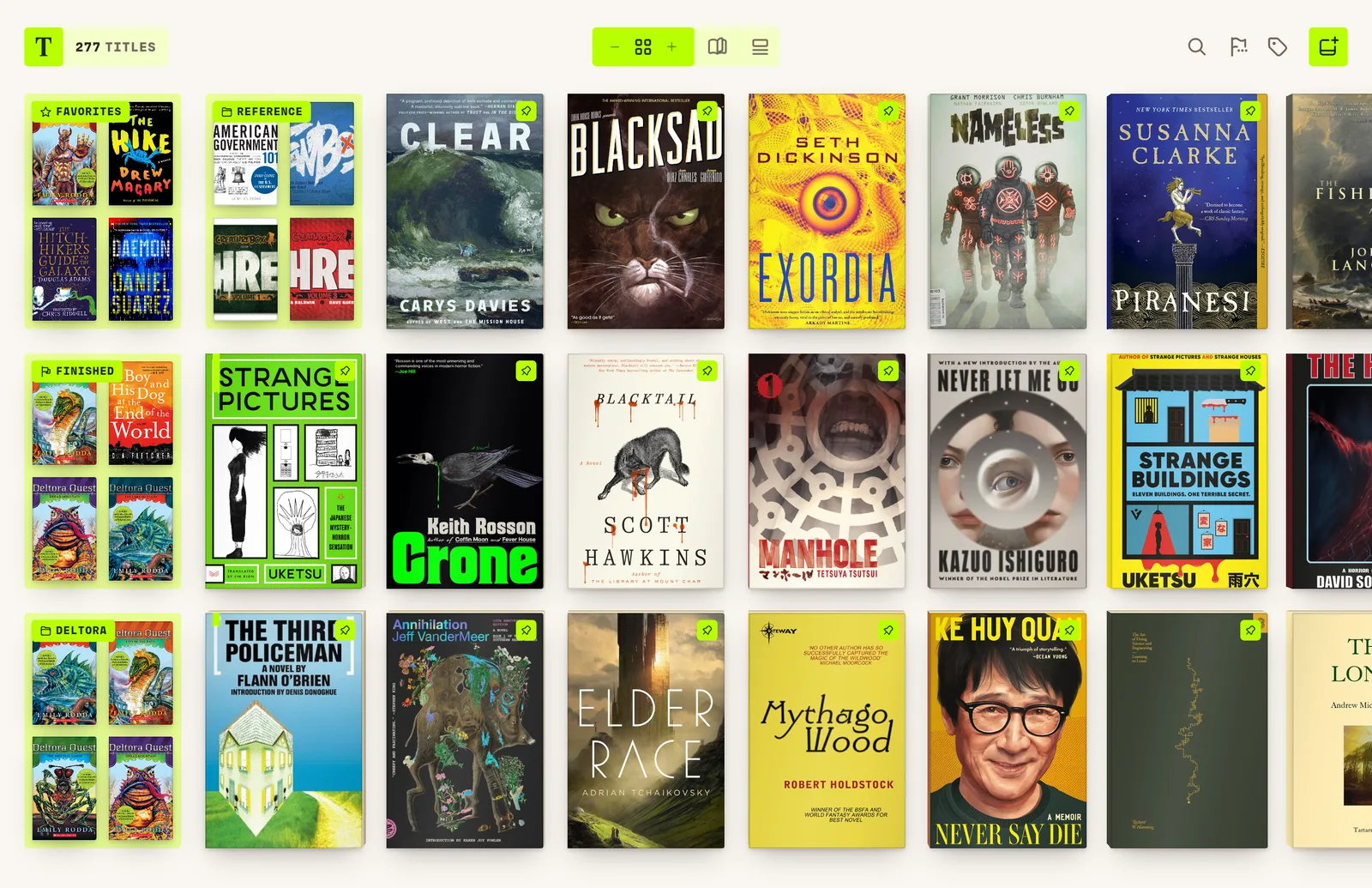
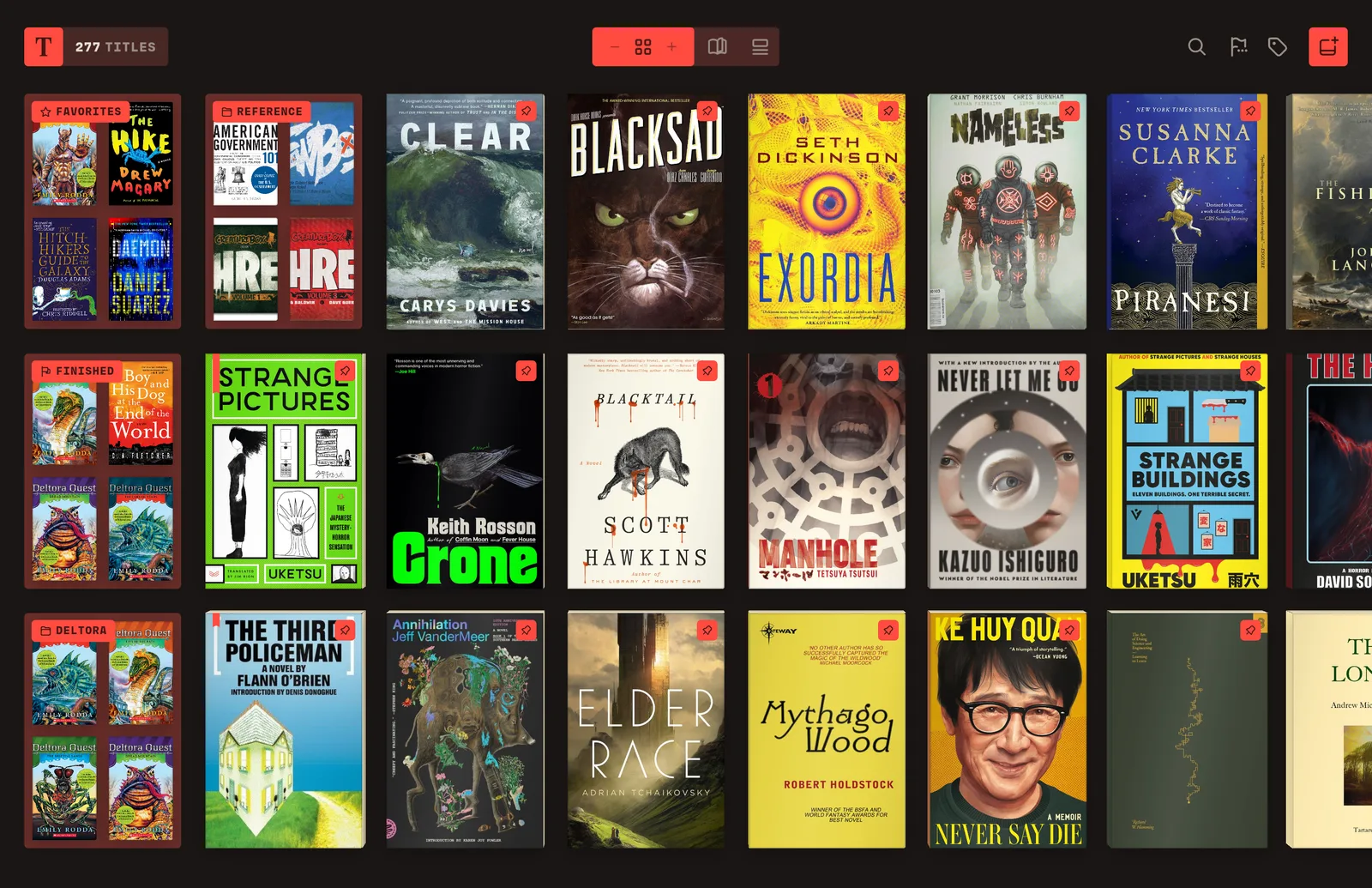
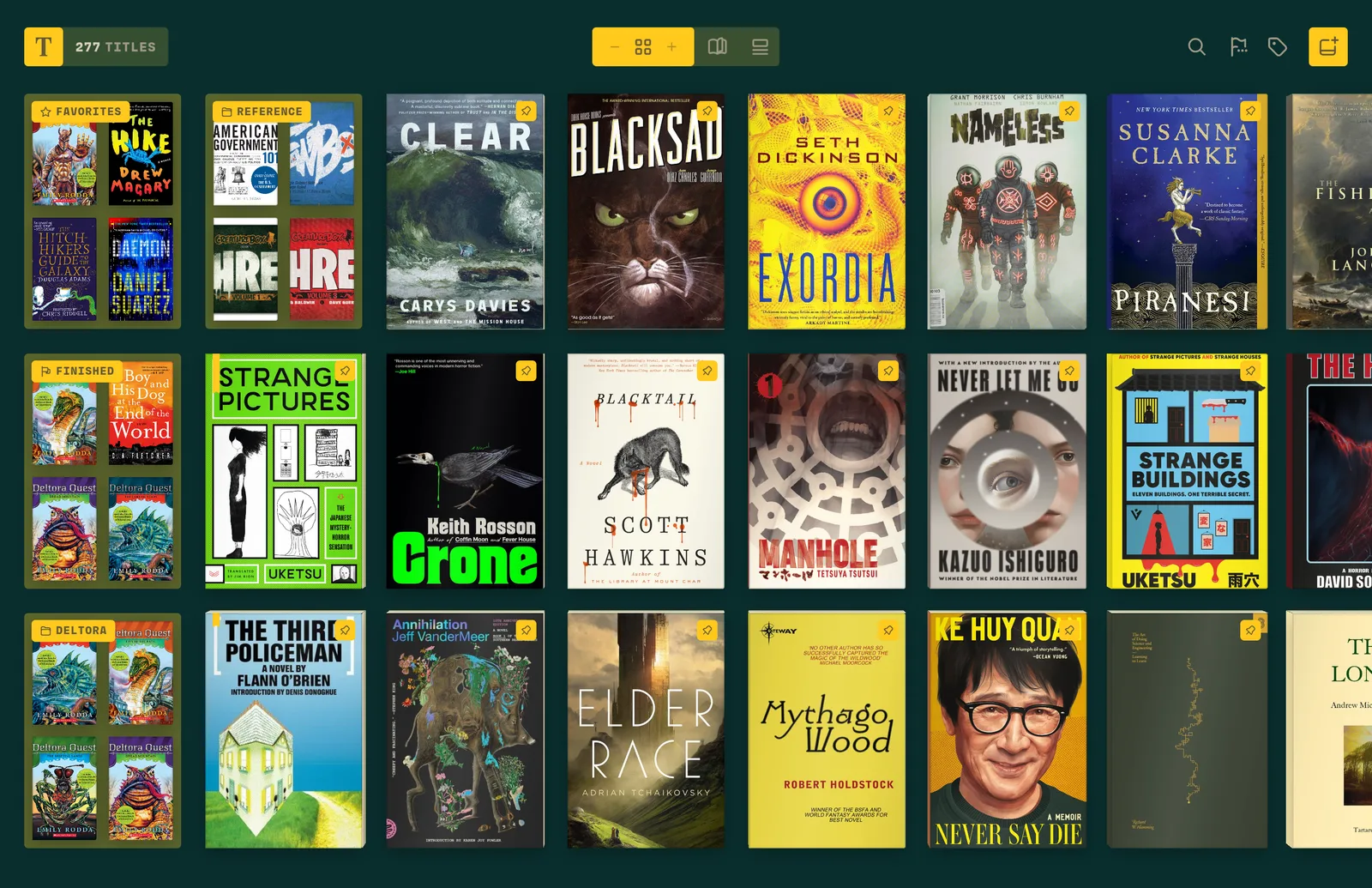
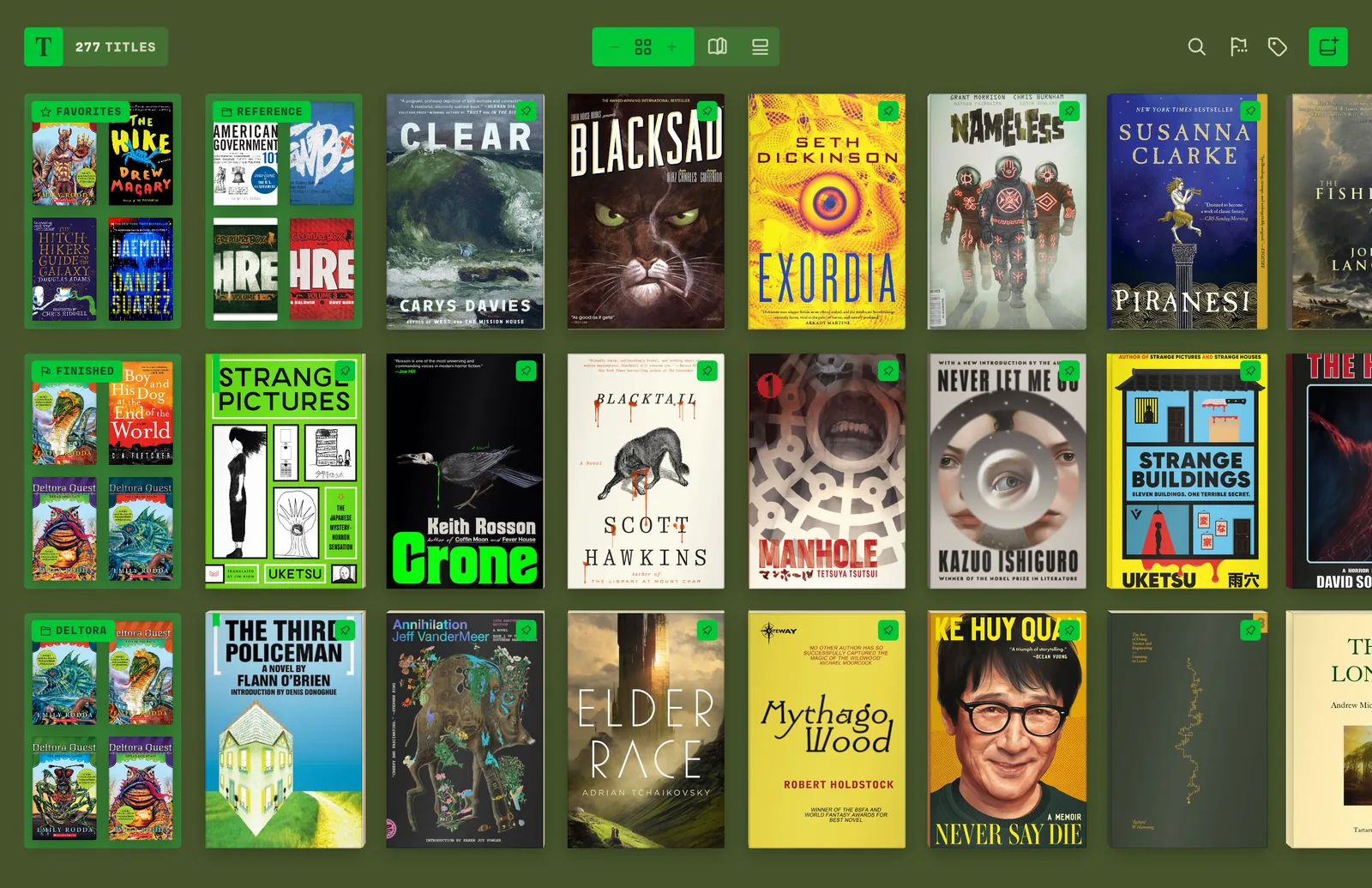
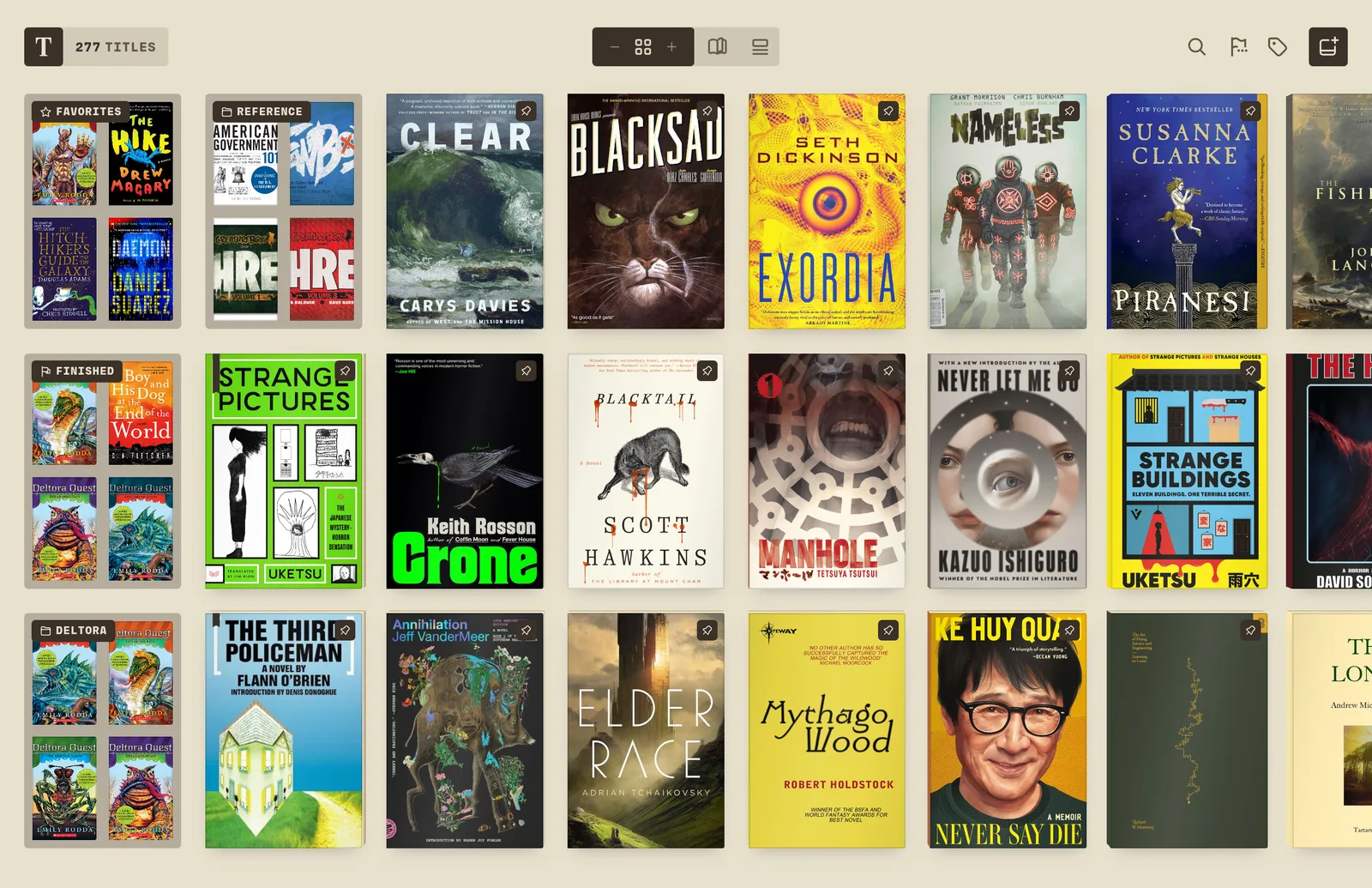
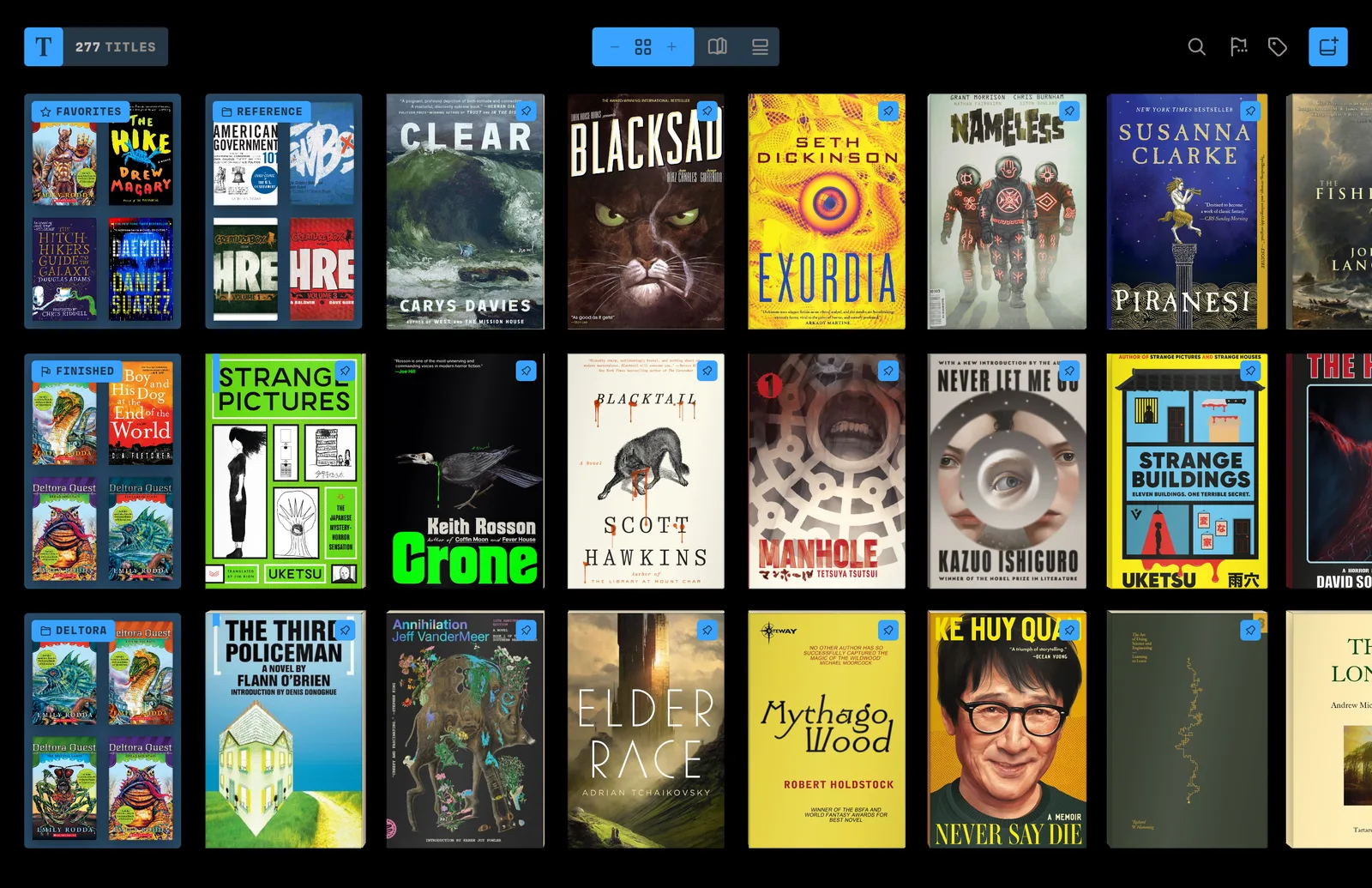
The Tomen library — a grid of book and comic covers, with view toggles and reading marks
01

Local-first

Library, position, highlights and settings live on your device. Fully offline. No account required to read.

02

You own your books

Tomen never hosts, sells, or locks in content. You supply the files; they're never uploaded.

03

No ads, no tracking

Nothing is monetized through your attention or your data. Quiet by design.

04

Design-led

Typography-forward, considered details. The reading surface stays chrome-free until you summon a menu.

05

Core reading is free

We sell enhancements, whole content-types and power features — never "the book." The free reader is uncapped.

06

Buy once, own it

A perpetual license, not a subscription. One payment covers every platform, forever.

Built for people who
keep real libraries.

Everything here is free, forever — no account, no caps. Bring your own EPUBs and files; Tomen makes them feel cared for and lets the covers be the colour.

Library

Gallery, Journal & Sheet

Three ways to see your shelf: a Gallery of resizable covers, a Journal that reads back your reading life, and a compact Sheet sortable by title, author, length or progress. Tag, favorite, finish, pin, search and sort — all free.

Bring your library

Your whole shelf, in one drag

Drag in a file or a whole folder — even your entire Calibre library — or paste a share link from Google Drive or Dropbox. Hundreds of books import in the background while you keep browsing, covers and metadata along with them, and they live on your device from then on.

Marks

Flag it right on the cover

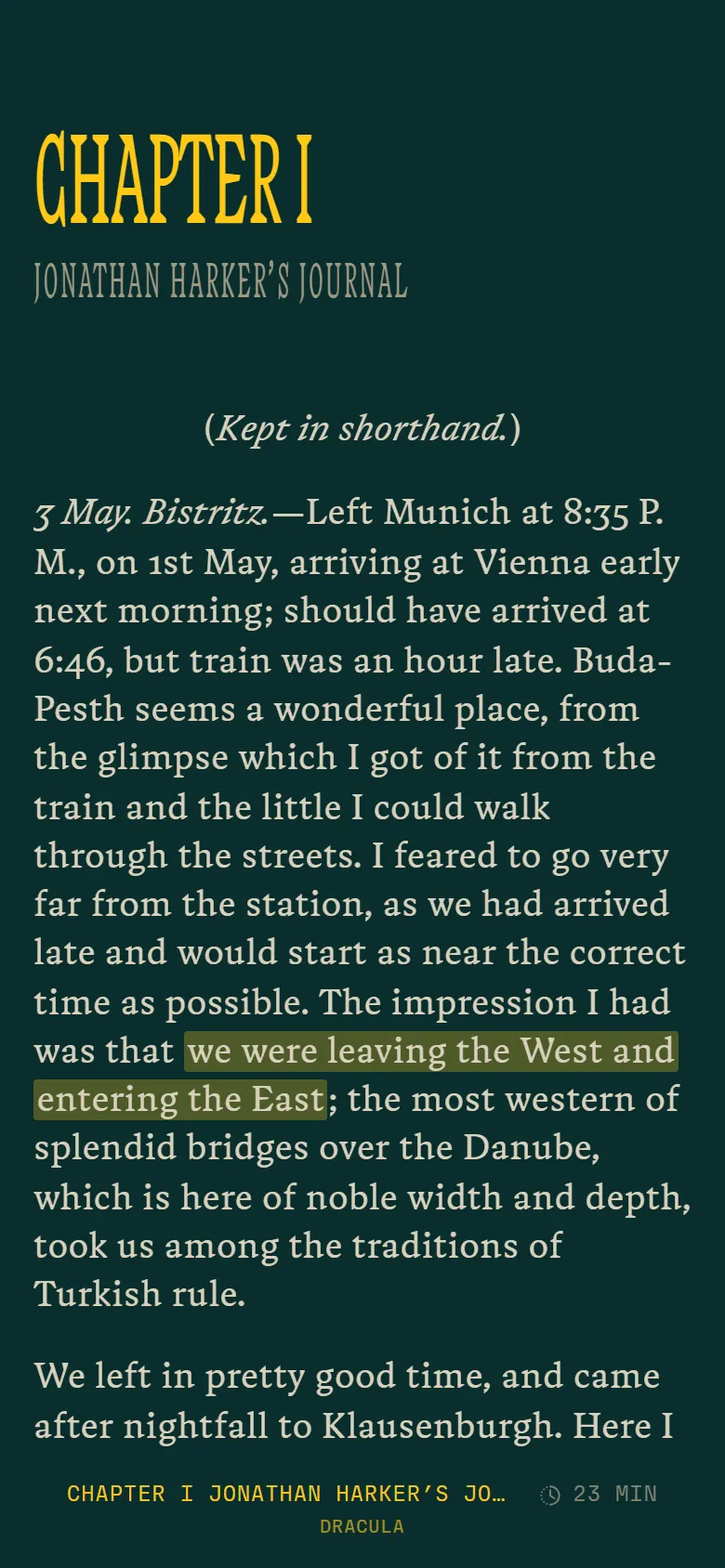
Favorite, finish or pin a book with a tap — chartreuse tabs sit right on the cover. Inside, five highlight colours plus notes, and every mark exports to Markdown — your notes stay yours.

Reading surface

A calm, paginated reader

Dual-slot pages, character-weighted progress, a chapter bar and a reading-time estimate. Table of contents and full-text search built in; footnotes open in place.

Look up

Define, translate, listen

Dictionary and Wikipedia lookups, translation into thirteen languages, and read-aloud in your device's own voices — with a sleep timer — without leaving the page.

Reading profiles

Your look, in one tap

Save your face, size, spacing and theme as a named profile, and reapply your whole reading look in a single tap.

Yours to keep

Take it all with you

A full JSON backup of your library, and every highlight exports to Markdown — your reading is yours to move anywhere, anytime.

Want comics, real-time sync and more? See what Tomen Plus adds

A library that
notices things.

Open the Journal and Tomen greets you by the hour, then lays out your reading life — what you're partway through, what you just finished, the words you saved, the days you read. A portrait of your reading, not a spreadsheet.

Good evening.

A greeting that knows the hour — and picks up the book you last opened, or the one you're furthest into.

Your reading days

A calendar of the days you read and your current streak — the rhythm of your reading, kept quietly.

Where you're at

Currently reading and almost-done, each with how far you’ve come and how much is left.

Freshly added & finished

Your newest imports and the books you just closed, gathered up so nothing gets lost.

Words & marks

The words you saved and the passages you highlighted — each with the sentence it came from.

Arrange it your way

Drag the rows to reorder them, hide the ones you don’t want. On Plus, the layout follows you across devices.

Made for
your fingers.

Tomen is built touch-first — fluid on a phone, a tablet, or a trackpad. Every control is a gesture away, and the page stays out of the way.

Pinch to resize

Squeeze the library to size your covers, or the page to step type up and down.

Tap or swipe to turn

Edges turn the page; the centre summons the menu. Comics flip left-to-right or right-to-left.

Swipe for the menu

Pull the reader menu in when you want it — contents, marks, type, look-ups — then send it away.

Swipe up to study

Enter selection mode with a swipe; tap a word to define it, hold for the whole sentence.

Hold to save your place

Press and hold anywhere to drop a return marker, then jump back to it with one tap.

Pinch-zoom comics

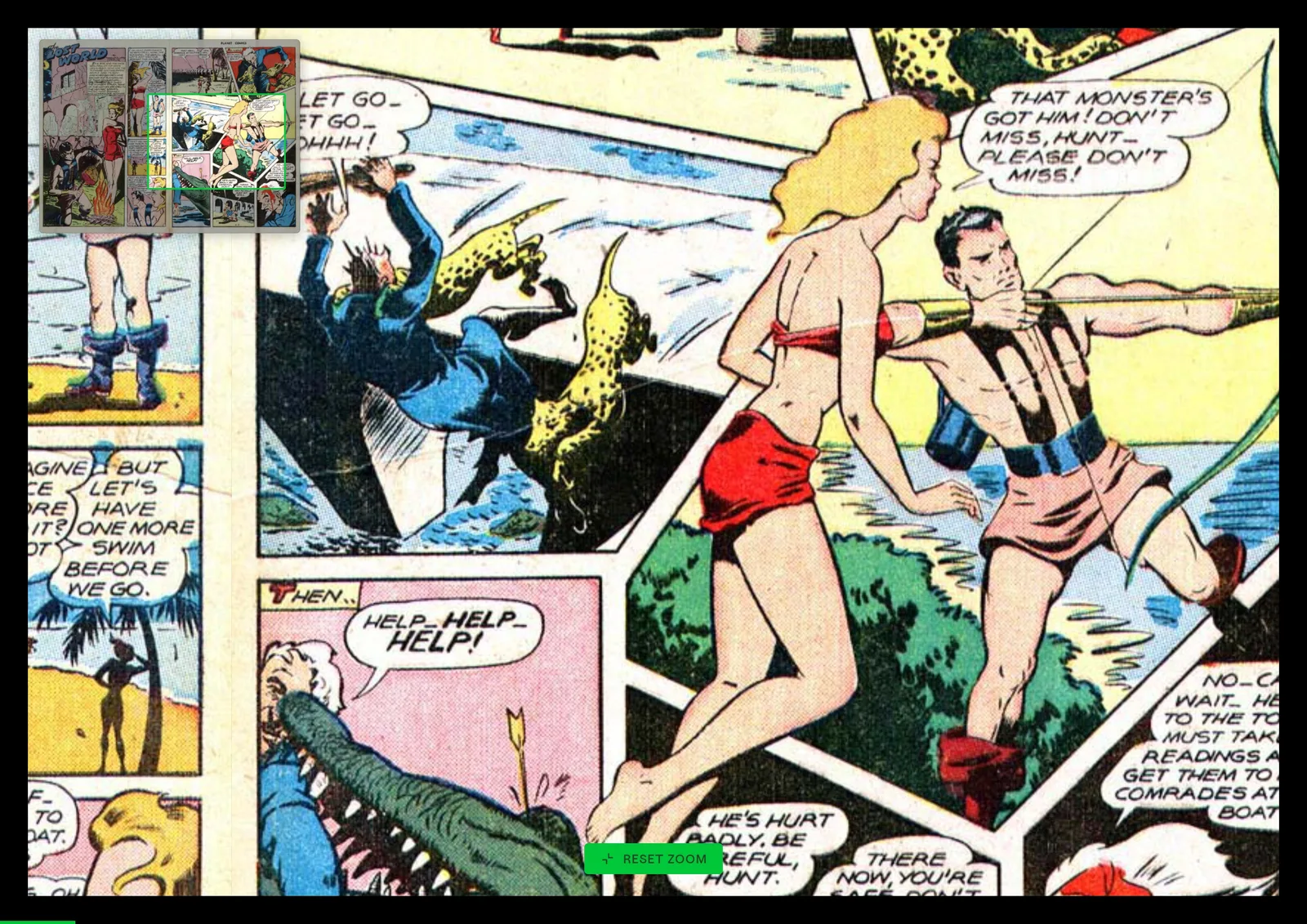
Drag and zoom into any panel; double-tap to reset. Single, spread, and webtoon flows too.

The page,
tuned to you.

It looks right out of the box — a system-following Auto by default — then tune it if you want. Seven reading themes, nine accents, three reading faces, the app’s own type scale. Five experimental themes and photographic filters come with Plus.

Reading themes

Accent colour

Text size

Line height

Dark

The Salt Year
Marisol Vane

The lamplighter moved house to house as the evening thinned to blue, and where he touched the flame the street woke one window at a time.

She watched from the landing — the hour she liked best, the one she could fold up and keep in a pocket against the colder months.

More, when
you want it.

The reader is free and complete. Tomen Plus adds comics & manga, real-time cross-device sync and power features — one payment, every platform, forever. No subscription.

Comics & manga

Books and comics, one shelf

No separate app — your comics live in the same library, searchable and sortable like everything else. Single page, two-page spread or webtoon scroll, left-to-right or right-to-left, pinch-zoom into any panel. Drag in a whole folder and it just reads them.

CBZCBRCBTCB7
Cross-device sync

Every device, same page — live

Turn a page, drop a highlight or favorite a book on one device and it lands on the others in about a second. Position, highlights, notes, tags, wordbook and collections all sync — and your look too, if you ask it to. Only your reading state ever travels; your files never leave your device.

Wordbook

A vocabulary that sticks

Save any word you look up — with the sentence and the book it came from — then browse and export your growing wordbook.

Collections

Shelves of your own

Group books into custom collections — a series, a course, a to-read pile — and they follow you across every device.

Make it yours

Colour it your way

Nine accent colours, five experimental themes, photographic filters for your covers and pages, and per-book typography — a serif for the novel, monospace for the manual, reopened exactly so.

AccentsFiltersPer-book type
Connect

Bring your own catalog

On desktop, browse and download straight from your own OPDS catalog server — Calibre-Web, Komga, Kavita and more. Your stack, your rules.

OPDSDesktop

Free to read.
Pay once for the rest.

No subscription. One payment unlocks Plus across web, desktop and Android — forever.

Free

The complete reader

$0Unlimited books, uncapped.
  • All seven themes & full typography
  • Highlights, bookmarks & notes
  • Dictionary, translation & text-to-speech
  • Gallery, Journal & Sheet views
  • JSON backup of your whole library
Open the reader
Tomen Plus · one-time

Everything, unlocked

$19 $29Launch price · all platforms, forever.
  • Comics & manga — CBZ / CBR / CBT / CB7
  • Real-time sync — position, highlights, notes, tags & more
  • Wordbook — save & export looked-up words
  • Custom collections
  • Accent colours · experimental themes · filters
  • Per-book typography
  • Connect your own OPDS catalog (desktop)
  • Neural read-aloud — coming
Start 30-day free trial

No card required. Trial survives a reinstall.

One license · every device

live

Web

read.tomen.app — installable PWA, works fully offline.

in progress

Windows · macOS · Linux

Tauri v2 desktop build; packaging & signing pending.

in progress

Android

Tauri Android shell; Play Store billing pending.

Books

EPUBFB2MOBIAZW3TXTHTMLMarkdown

Comics

CBZCBRCBTCB7

Left out, on purpose

PDF — a fixed-layout format, not a reflowable one

Good to know.

Is the reader really free?

Yes — the complete reader is free forever, no account, no caps on your library. Tomen Plus is an optional one-time unlock for the extras.

Do I need an account?

Not to read. An account — just an email, no password — only carries your Tomen Plus licence and syncs your reading across devices. Reading itself stays local and account-free.

Is my reading private?

Your books, progress and highlights live on your device. No ads, no tracking, nothing sold — and your files are never uploaded. Sync moves only your reading state, scoped to your account.

How does sync work?

With Plus, your reading position, highlights, notes, tags, wordbook and collections stay in sync across web, desktop and Android — updating on your other open devices in about a second. Only your reading state travels; the book files never do.

Will it read my messy files?

That's the point. Sideloaded EPUBs with broken metadata, odd encodings, big comic archives — Tomen is built for the real-world files a library accumulates, not just pristine ones. DRM-locked files are the one exception.

One purchase, every device?

Yes. Tomen Plus is a perpetual licence: buy once and it unlocks web, desktop and Android, forever. No subscription.

Can I try Plus first?

There’s a 30-day free trial — no card required, and it survives a reinstall. The free reader is excellent on its own, too.

What if something's wrong?

Reach out any time at [email protected]. For purchases, see the refund policy.

Start reading tonight.

The complete reader is free, with no account needed. Tomen Plus is a one-time $19 — yours on every device, forever.