Kindle · a comparison
Leaving the Kindle app, what comes with you.
Most of what you bought on Kindle stays on Kindle, and no honest reader will tell you otherwise. Here is what does move to Tomen, how, and who should keep what they have.
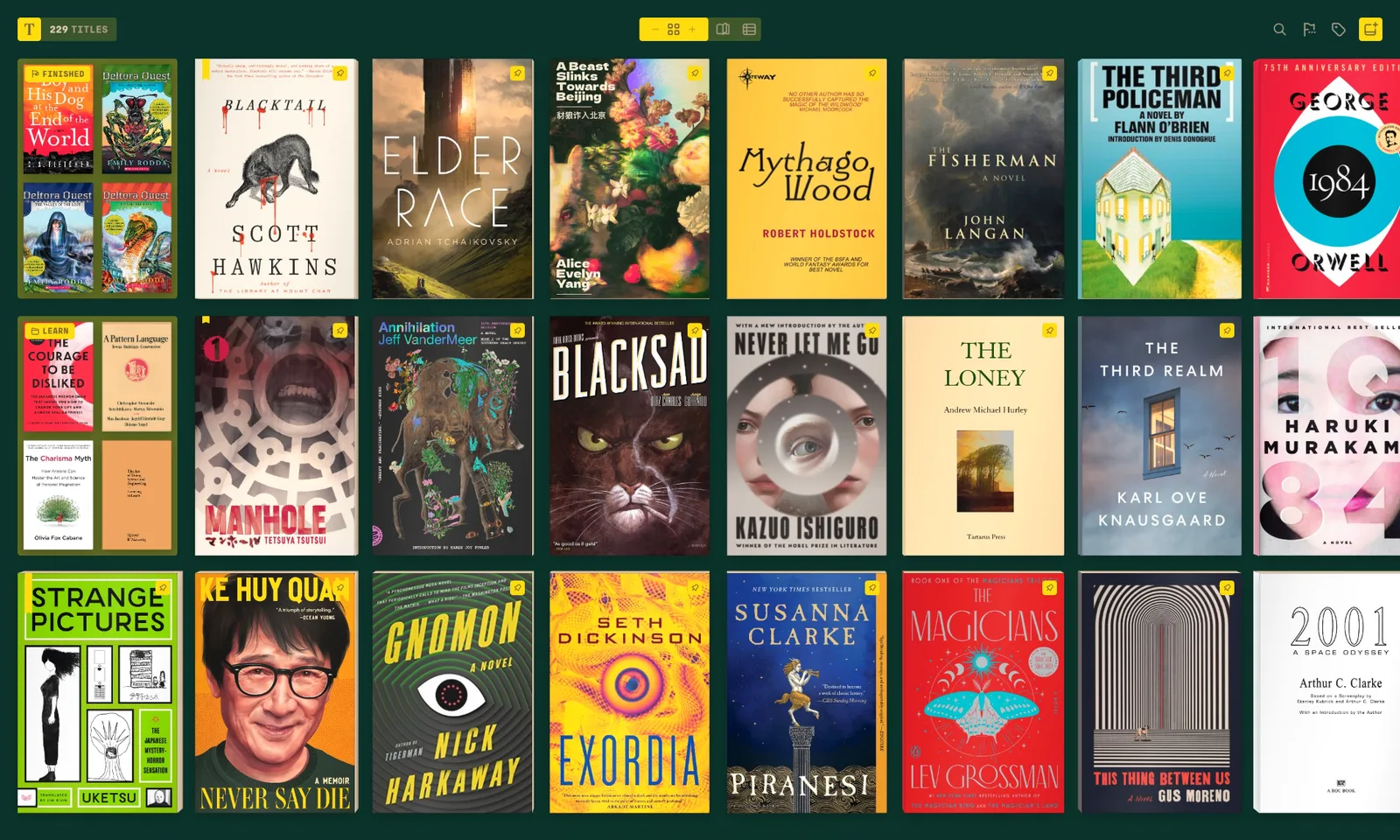
What Tomen cannot open
Books bought from the Kindle store are locked to Amazon’s apps and devices. Tomen does not open a locked book and does not unlock one; that is not a missing feature, it is the line the app keeps. Since February 2025 Amazon no longer lets you download a purchase to a computer at all, so those books live where you bought them. If your whole library is Kindle purchases, Tomen has nothing to offer it, and the honest advice is to stay.
What was yours all along
The books you sent to Kindle yourself, the EPUBs you bought from a DRM-free store or a bundle, the files a publisher mailed you, the comics on your drive: these are files, and Tomen reads them as they are. EPUB, MOBI and AZW3 open without conversion, so the Kindle-format files you collected before the app came along still work. FB2, PDF, Markdown, plain text and the comic archives CBZ, CBR, CBT and CB7 open on the same shelf.
Your highlights come too
A Kindle keeps every highlight in a file called My Clippings.txt, and the Kindle app can export a book’s notebook. Tomen imports either one and places each highlight on its passage in your copy of the title, with its note. Years of marks in a book you own as a file are not stranded in Amazon’s app. Tomen’s own highlights export to Markdown, so they are never stranded again.
No store, no account, no feed
Tomen sells no books and recommends none. The shelf is the files you added and nothing else, there is no account to make before you read, and nothing is tracked. Your place is kept to the line in every book, your files never leave your device unless you put them somewhere yourself, and with Plus your place and highlights follow you to a tablet and a PC through one purchase, not a subscription.
What you give up
- The store, and everything attached to it: a subscription library, lending, the books your friends sent you, a purchase that lands on every device by itself.
- The Kindle itself. Tomen runs in a browser, on Android and on Windows; it cannot run on an e-reader with no browser, and never will.
- An iPhone app. Tomen has none.
If you read Amazon purchases on a Kindle and you are happy there, stay. This page is for people whose books are files, or who have decided to stop buying locked ones.
Moving over
- Gather the files. On a Kindle, the documents folder over USB holds what you copied there yourself; what you bought is not a file you can take.
- Add them to Tomen: share or copy them in, or add the folder they live in. Nothing is converted. A Calibre library keeps its covers and series.
- Import My Clippings.txt or a notebook export, and your highlights land on their passages. That part is Plus, with a 30-day trial and no card.
- Try it in a browser first at read.tomen.app. Nothing to install, and the shelf you make there is the one the apps sign into.
Open the reader Everything else Tomen does
Free to read. Tomen Plus is $49, once, with a 30-day trial and no card. Kindle is a trademark of Amazon; this page compares, it does not speak for them.